Signing In To the Partner Portal
The Partner Portal provides access to your Rapyd account, including the production environment.
The owner of a Rapyd account and all invited users can access the Partner Portal.
Prerequisites
Owner - Create a Rapyd production account. See Signing Up for a Partner Portal Account.
Invited user - Accept an invitation to the production account of the Partner Portal. See Accepting an Invitation to the Partner Portal.
Browse to https://dashboard.rapyd.net.
The Sign In page appears.
Note: Dark mode is now available, and can be toggled in the upper right corner by clicking on the moon icon.
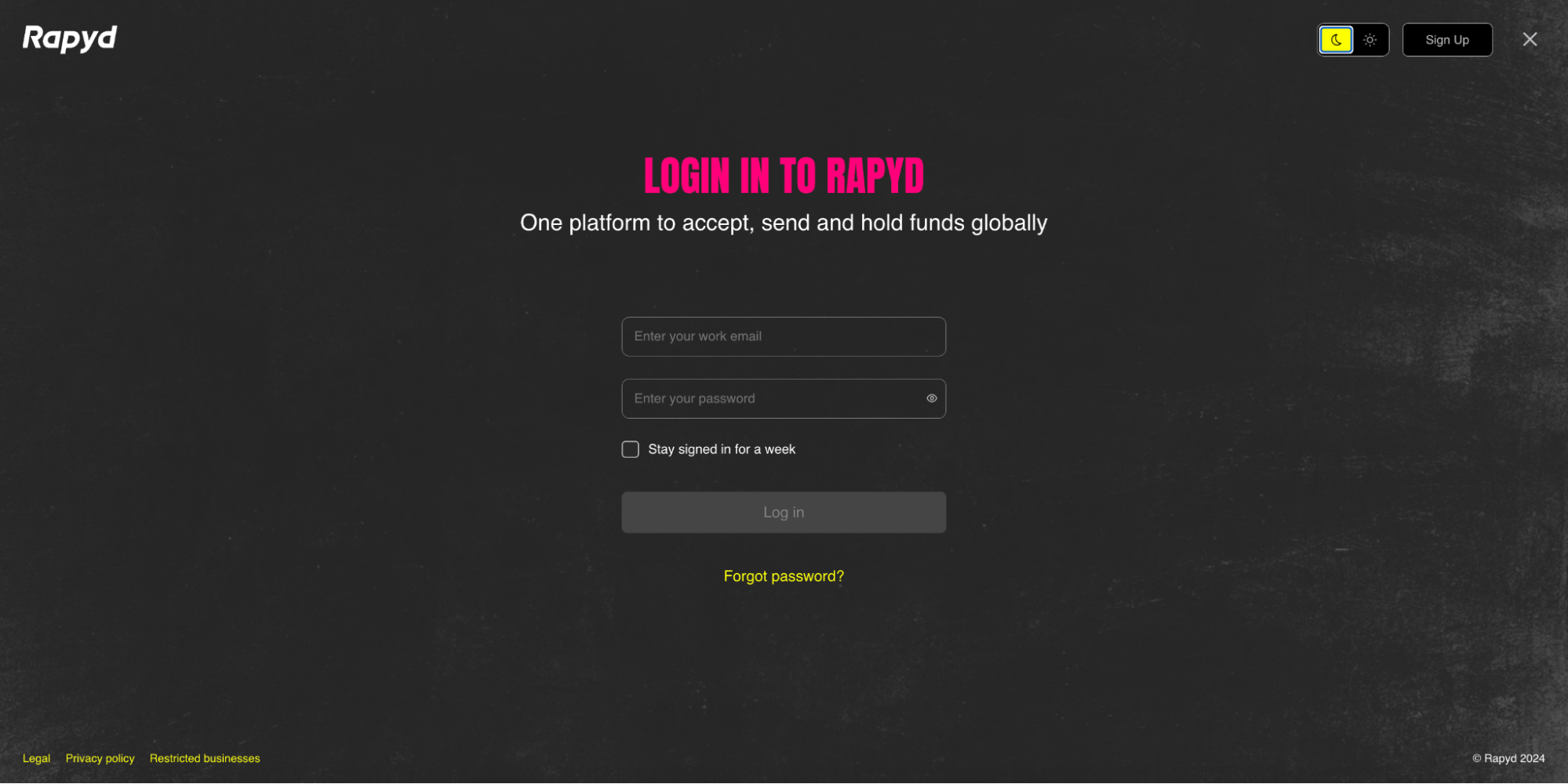
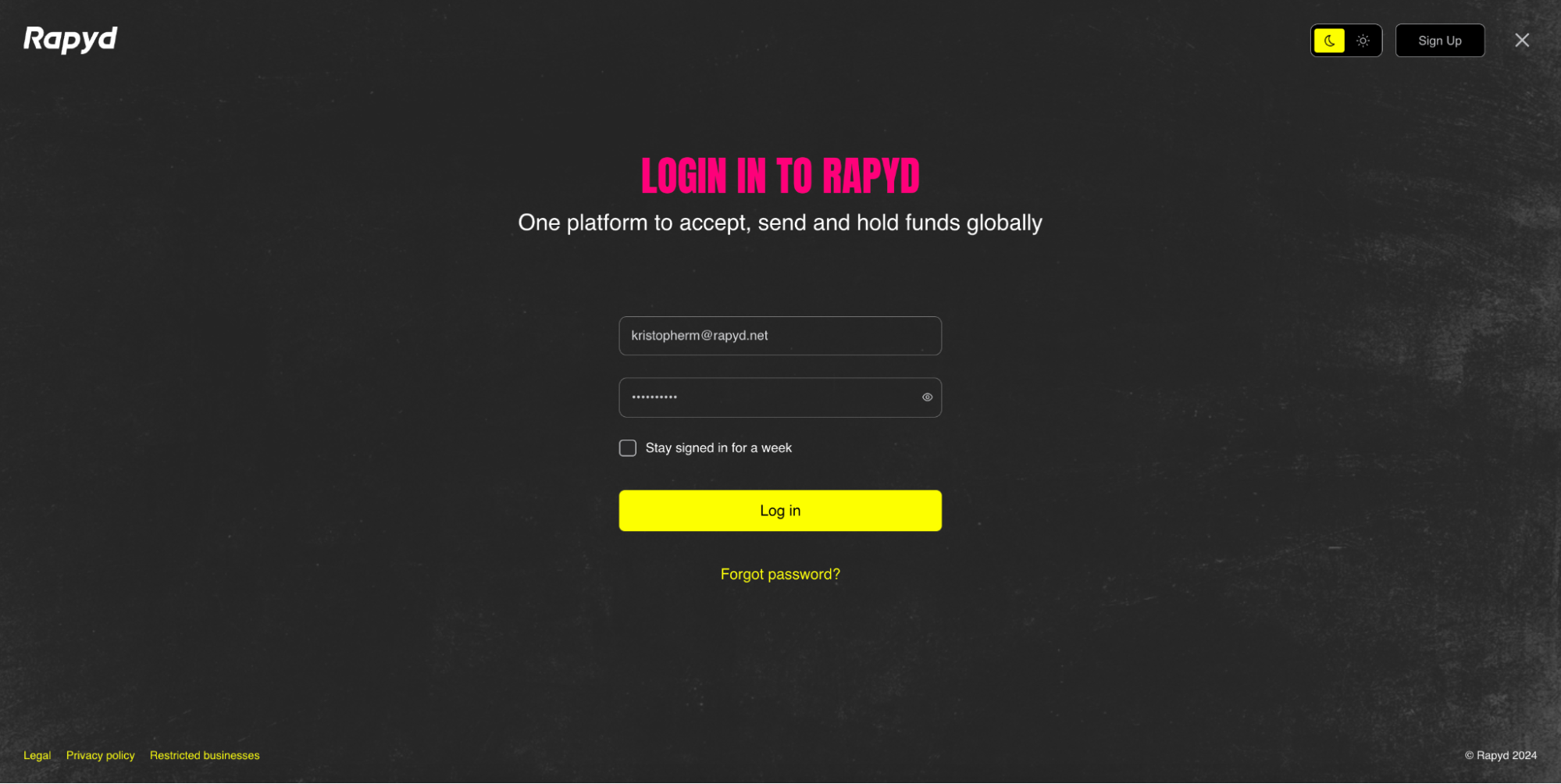
Enter your email and password, then click Log in.
Log in using two-factor authentication. A 6-digit numeric code is sent by SMS to your phone.
The Two-factor authentication page appears.
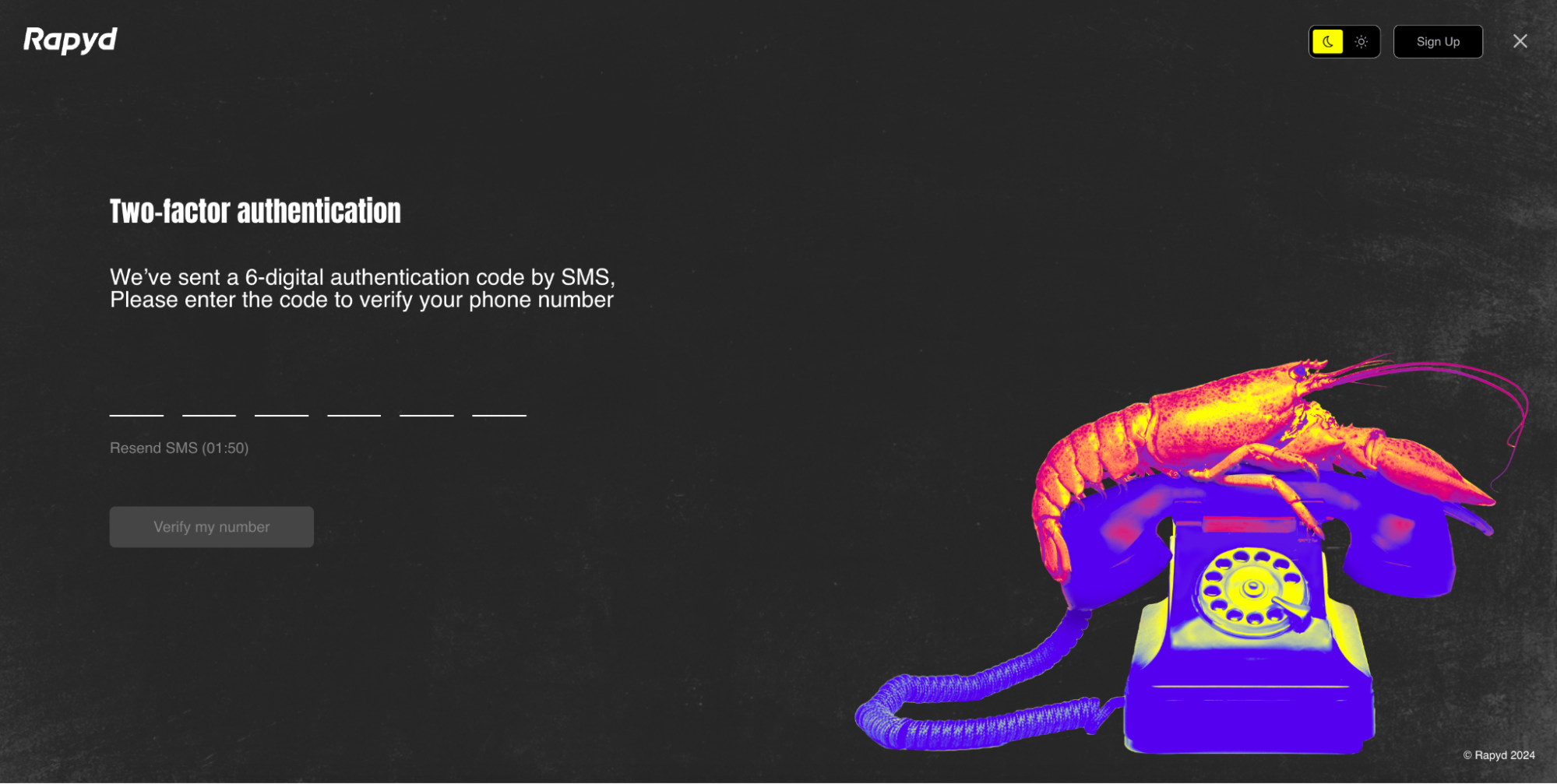
Enter the code.
Click Verify my number.
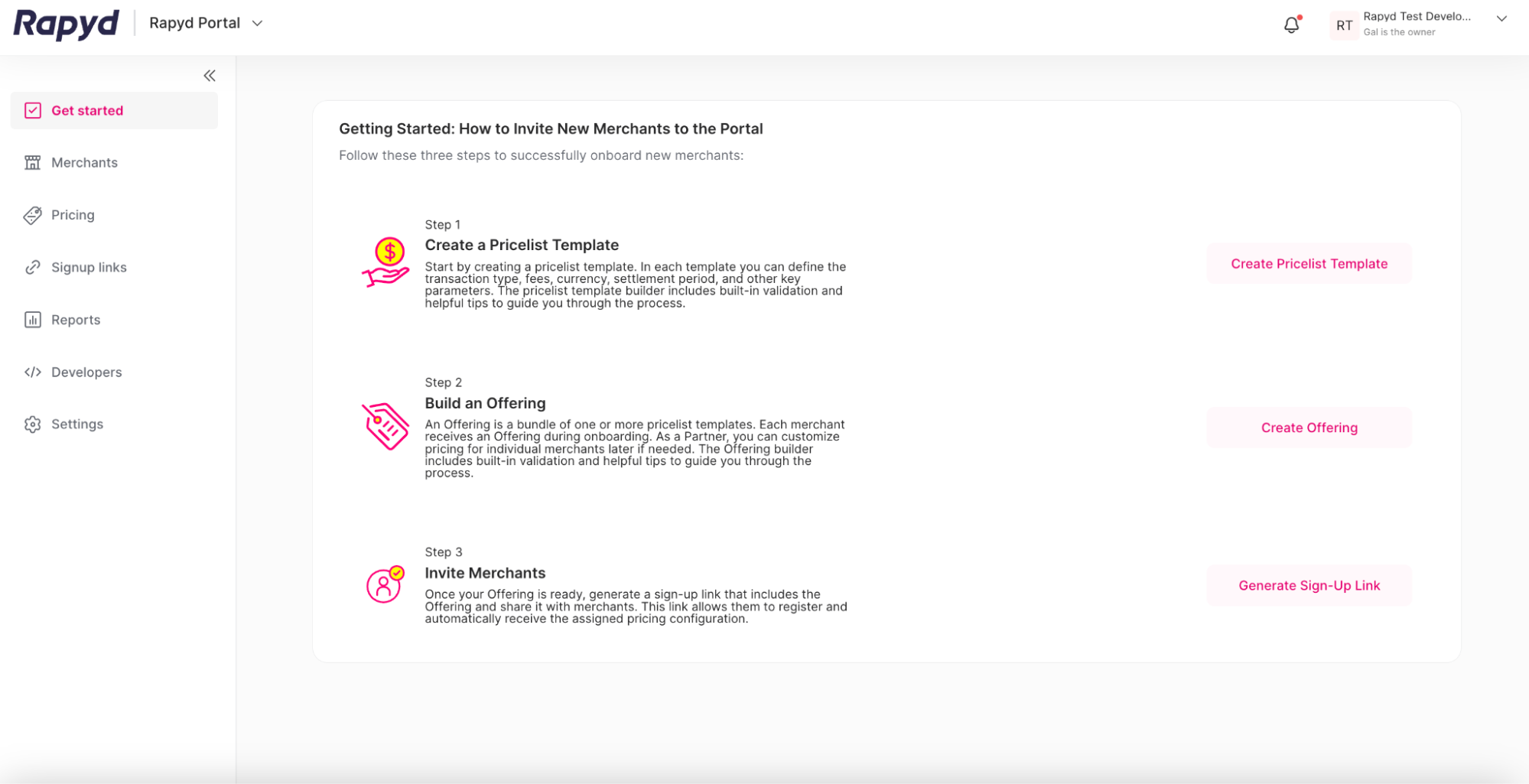
The Rapyd Partner Portal opens.
Single Sign On (SSO) is a secure way to log in without using a password. The user information is submitted and authenticated before the log in succeeds.
Browse to https://dashboard.rapyd.net.
The sign in page appears.
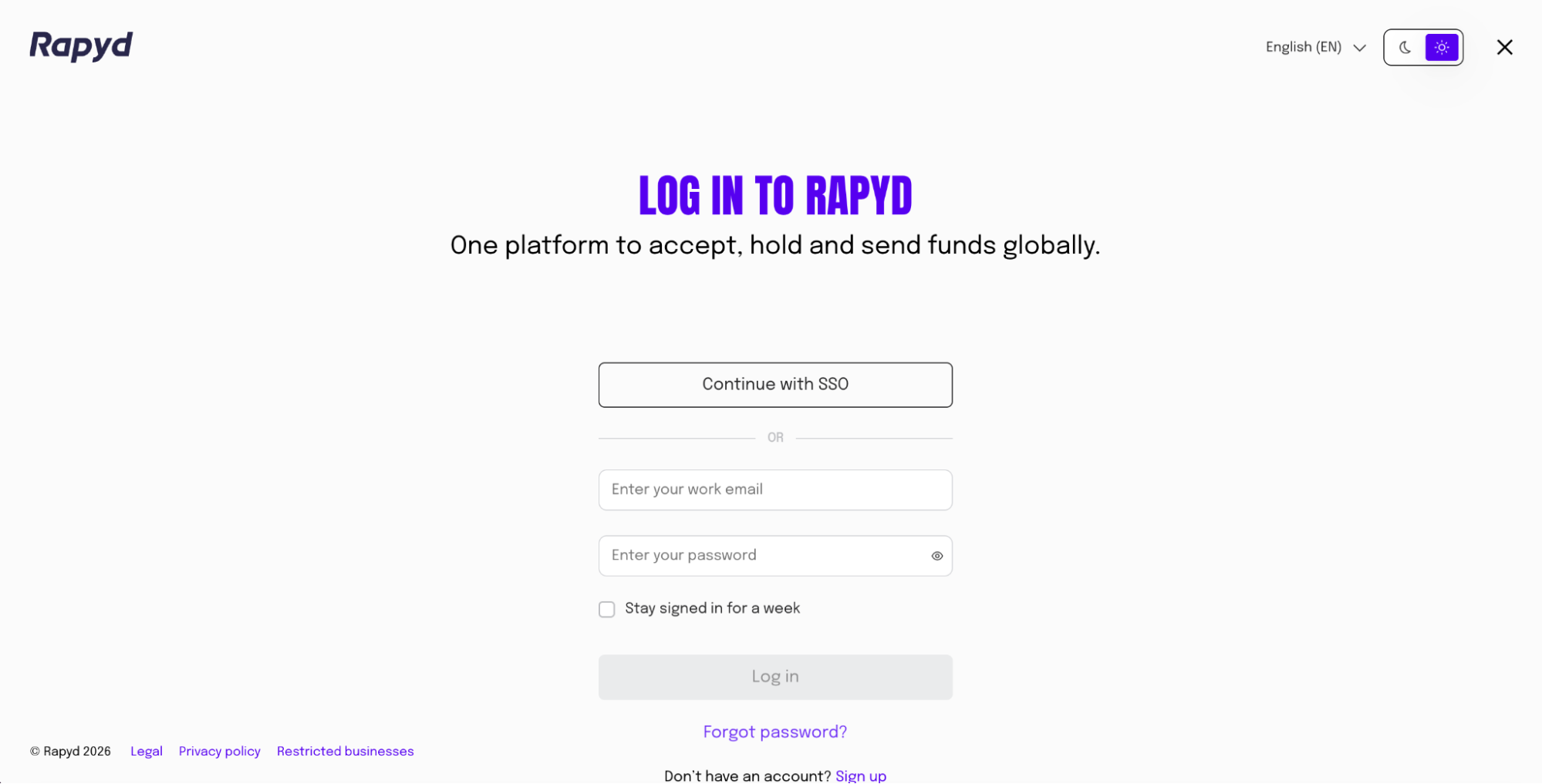
Click the Continue with SSO button.
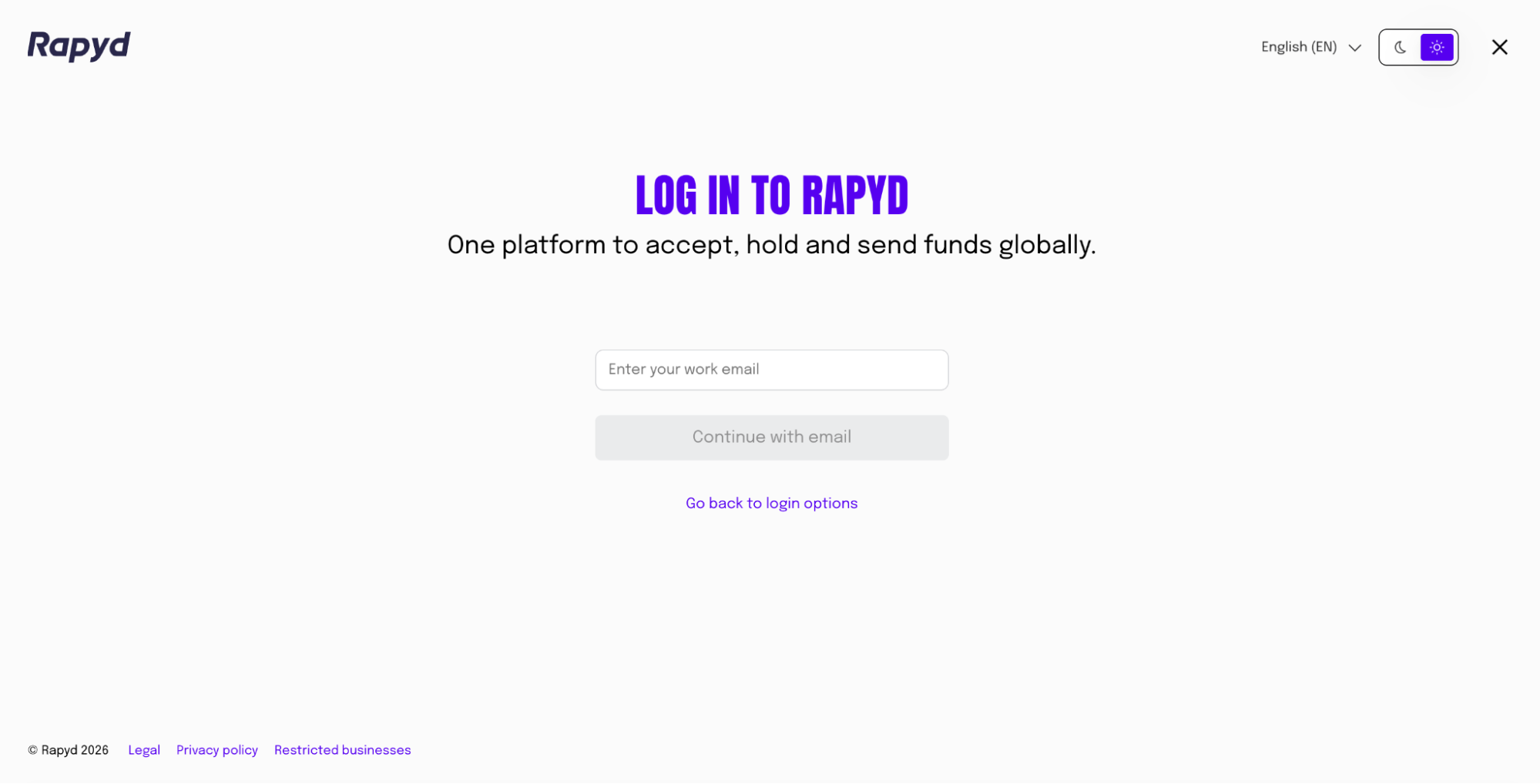
Enter your work email address associated with your Partner Portal account.
Click the Continue with email button.
The Rapyd Partner Portal opens.
SSO Configuration
You need to create an SSO configuration and enable SSO beforehand. The login will succeed only if the configuration is already established. See Configuring SSO for more information.